


What Are Core Web Vitals?
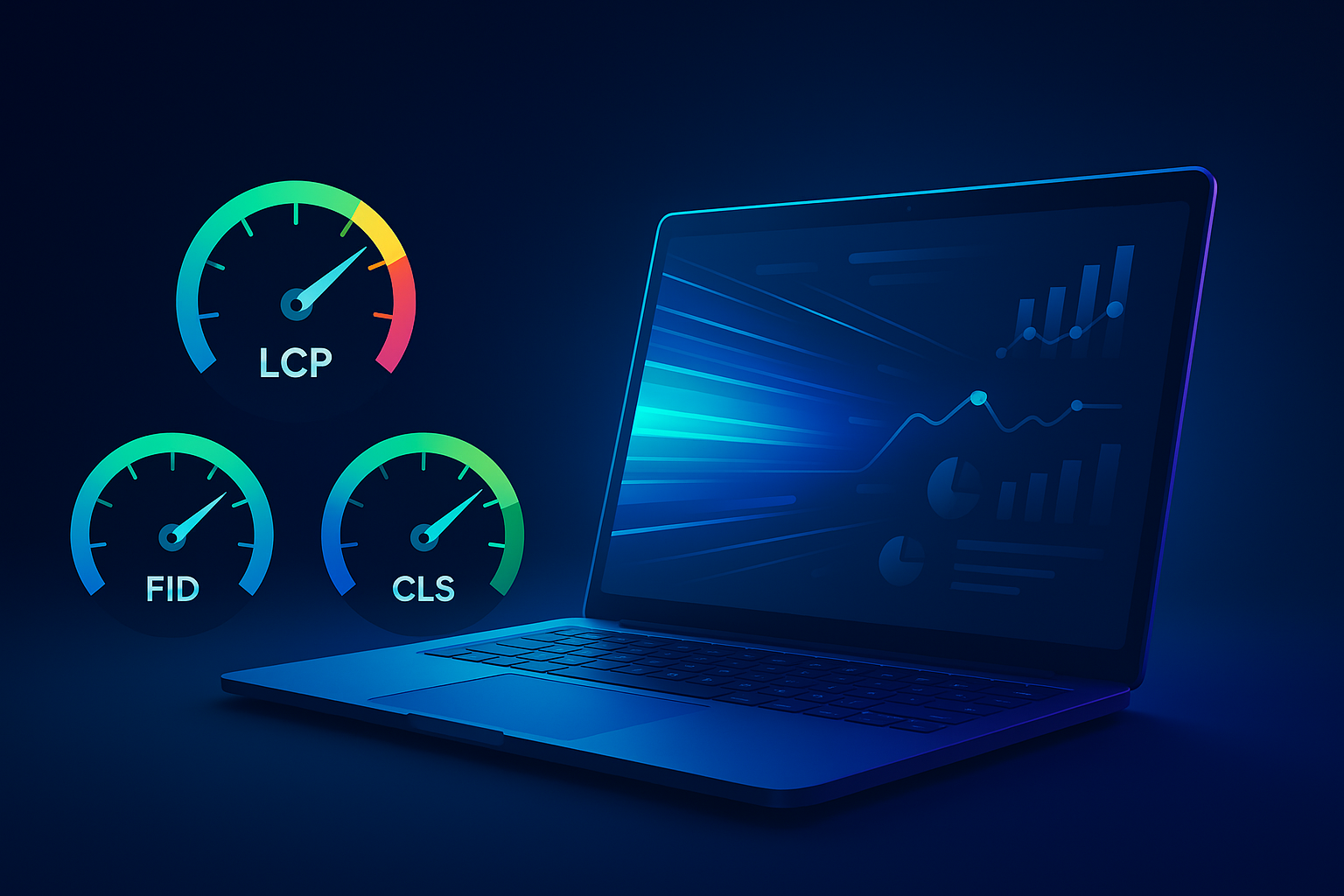
Core Web Vitals are three specific page speed and user experience metrics that Google uses as ranking factors. Introduced in 2021 as part of the Page Experience update, they measure how real users experience the speed, responsiveness, and visual stability of your site.
Unlike older performance scores that only looked at lab data, Core Web Vitals are based on actual user interactions collected through the Chrome browser. That means Google is ranking your site based on how it performs for real visitors—not just how it performs in a testing tool.
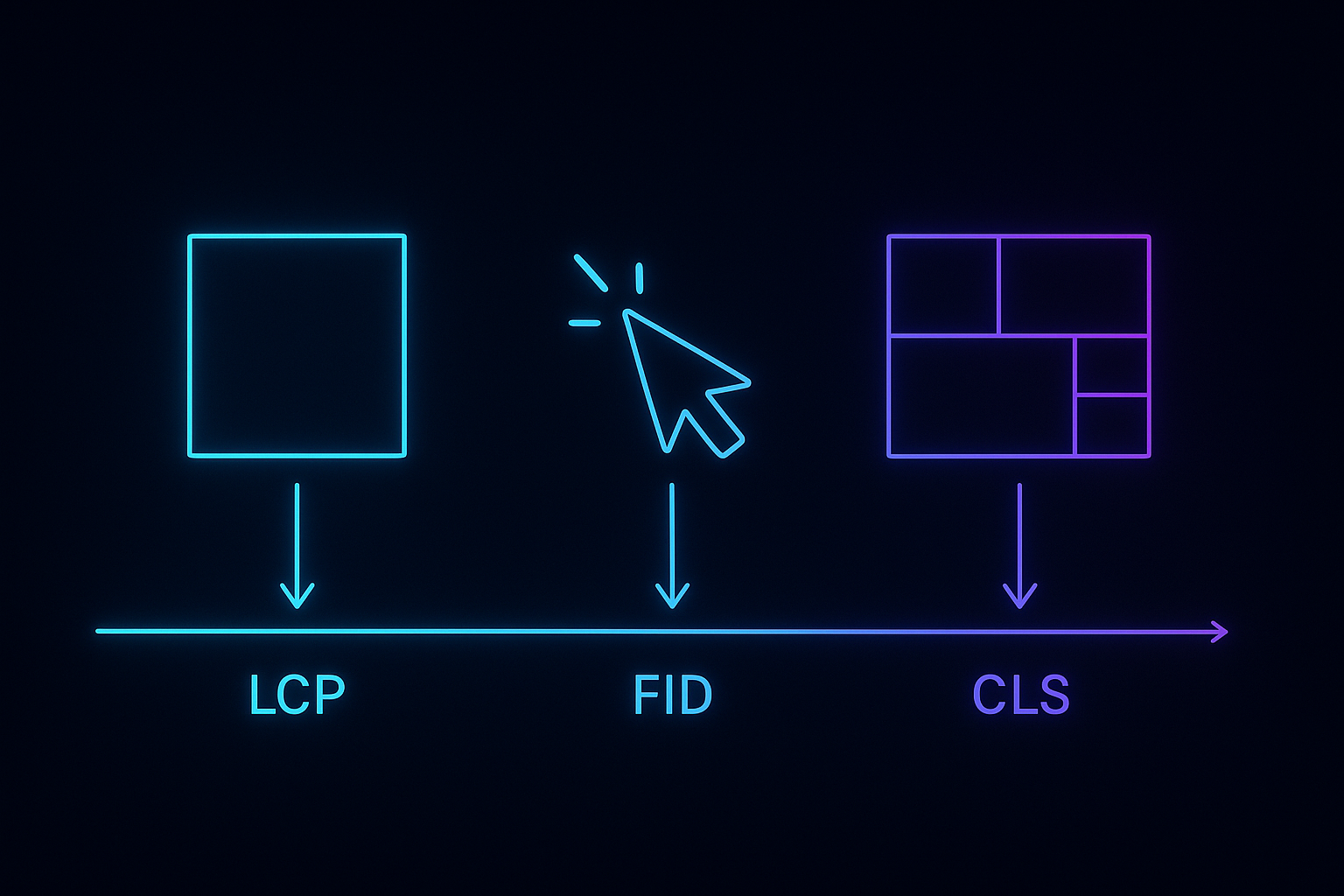
The three metrics are:
- Largest Contentful Paint (LCP) — loading performance
- First Input Delay (FID) — interactivity (now transitioning to Interaction to Next Paint, or INP)
- Cumulative Layout Shift (CLS) — visual stability
If your site fails these metrics, you're not just delivering a poor user experience—you're actively losing ranking potential to competitors who pass them. For businesses competing in commercial search terms, that difference matters.
Why Core Web Vitals Matter for SEO
Google confirmed that Core Web Vitals are part of its ranking algorithm. While content quality and backlinks still carry more weight, Core Web Vitals act as a tiebreaker when two sites are otherwise equal in relevance and authority.
More importantly, poor Core Web Vitals hurt user behavior signals—bounce rate, time on site, and conversions. If a visitor clicks your result in the search engine but immediately leaves because the page is slow or unstable, Google sees that. Over time, poor engagement signals lower your rankings regardless of your technical score.
A 2022 study by Portent found that e-commerce conversion rates drop by an average of 0.3% for every additional second of load time between 0–5 seconds. For a Houston service company generating leads through organic search, even a one-second delay in LCP can mean lost clients.
Core Web Vitals don't just measure speed—they measure whether your site respects the user's time and attention. Google rewards sites that do.
Largest Contentful Paint (LCP): Loading Performance
LCP measures how long it takes for the largest visible element on the page to load. This is usually the hero image, a large block of text, or a video. Google considers LCP the most important Core Web Vital because it directly reflects perceived load speed.
What's a Good LCP Score?
- Good: 2.5 seconds or faster
- Needs improvement: 2.5–4.0 seconds
- Poor: over 4.0 seconds
Common Causes of Slow LCP
- Unoptimized images (large file sizes, wrong format)
- Slow server response time (cheap shared hosting)
- Render-blocking JavaScript and CSS
- Client-side rendering delays (especially with React, Vue, or Angular without SSR)
How to Fix LCP
Start by identifying the LCP element in Google Search Console or PageSpeed Insights. Then:
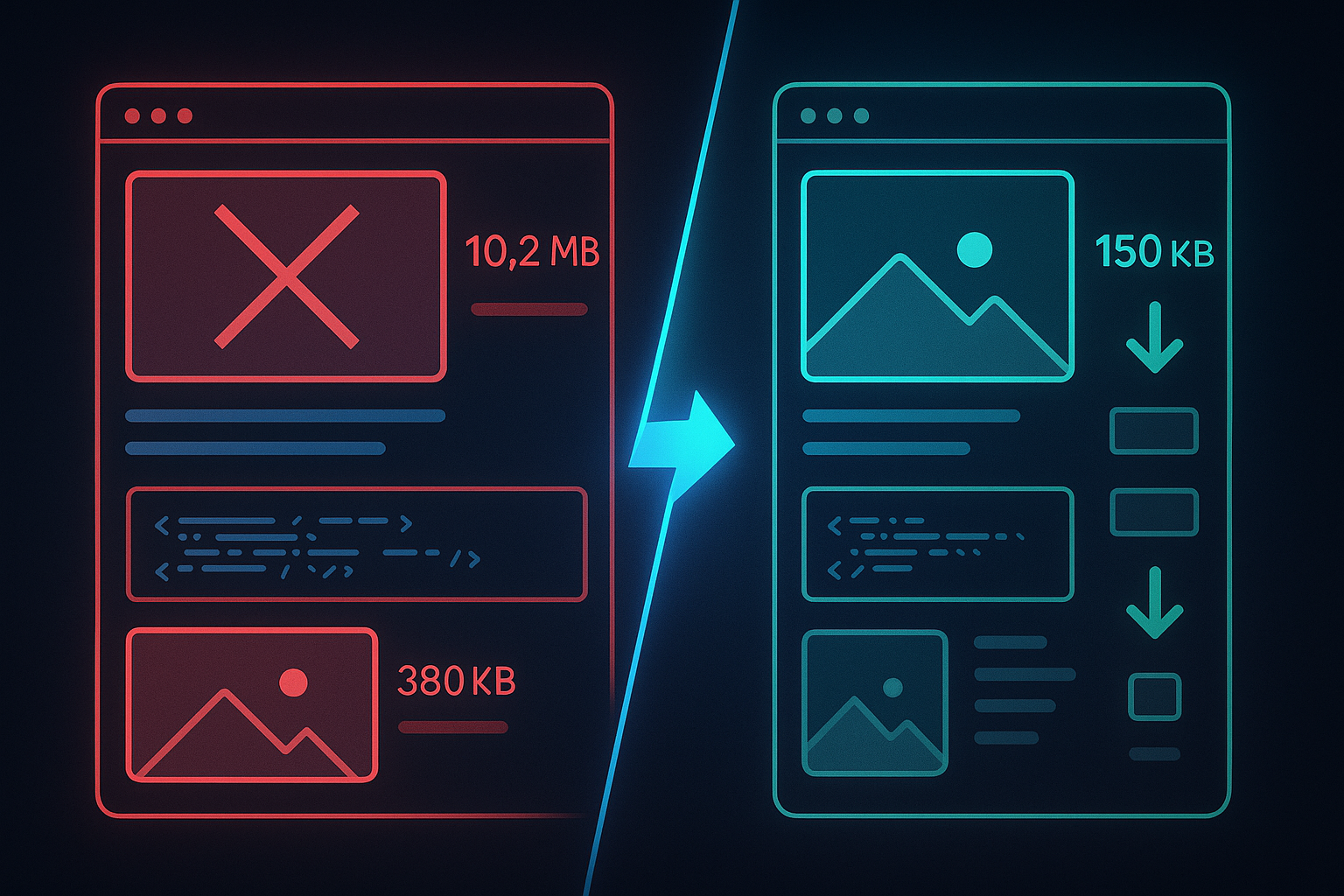
- Compress and serve images in modern formats (WebP, AVIF)
- Use a CDN to reduce server response time
- Preload critical resources like hero images with
<link rel="preload"> - Defer or lazy-load non-critical JavaScript
- Enable server-side rendering (SSR) if your site uses a JavaScript framework like Next.js
For businesses running on WordPress, switching from a $5/month shared host to managed WordPress hosting (WP Engine, Kinsta) or a performance-focused host like Cloudways can cut LCP in half. Modern frameworks like Next.js also provide faster website performance through server-side rendering and automatic image optimization.
First Input Delay (FID) and Interaction to Next Paint (INP)
FID measures the time between when a user first interacts with your page (clicks a link, taps a button) and when the browser responds. It captures how quickly your site feels interactive.
Google announced in 2023 that FID will be replaced by Interaction to Next Paint (INP) in March 2024. INP measures the responsiveness of all interactions throughout the page lifecycle, not just the first one. The threshold is more strict, but the fix is the same: reduce JavaScript execution time.
What's a Good FID/INP Score?
- FID good: under 100 milliseconds
- INP good: under 200 milliseconds
Common Causes of Poor FID/INP
- Heavy JavaScript execution blocking the main thread
- Third-party scripts (ads, analytics, chat widgets)
- Unused or poorly optimized plugins (especially on WordPress)
- Large, unoptimized JavaScript bundles
How to Fix FID and INP
- Break up long JavaScript tasks into smaller chunks
- Use code splitting to load only the JavaScript needed for each page
- Defer third-party scripts or load them asynchronously
- Remove unused JavaScript with tools like PurgeCSS or tree-shaking in Webpack
- Use a Web Worker to move heavy processing off the main thread
If you're running a high-traffic site on a framework like React or Next.js, poor INP often traces back to unnecessary re-renders or unoptimized event handlers. JavaScript SEO requires both performance tuning and crawlability fixes.
Cumulative Layout Shift (CLS): Visual Stability
CLS measures how much the page layout shifts unexpectedly while loading. If you've ever tried to click a button, only to have an ad load above it and push the button down—that's a layout shift. Google penalizes sites that cause this frustrating experience.
What's a Good CLS Score?
- Good: under 0.1
- Needs improvement: 0.1–0.25
- Poor: over 0.25
Common Causes of Poor CLS
- Images or videos without width and height attributes
- Ads, embeds, or iframes that load without reserved space
- Web fonts causing text reflow (FOIT or FOUT)
- Dynamic content injected above existing content
How to Fix CLS
- Always include width and height attributes on images and videos
- Reserve space for ads and embeds with CSS aspect-ratio or min-height
- Preload custom fonts and use
font-display: swapto prevent invisible text - Avoid inserting content above existing content unless it's in response to a user action
- Use CSS transforms for animations instead of changing layout properties
CLS is often the easiest Core Web Vital to fix—most issues come from missing image dimensions or poorly implemented ads. A single afternoon of fixes can move a site from "poor" to "good."
How to Measure Core Web Vitals
You can measure Core Web Vitals using both lab tools (simulated) and field data (real users).
Field Data (Real User Monitoring)
- Google Search Console — Core Web Vitals report shows which URLs pass or fail, grouped by issue type
- Chrome User Experience Report (CrUX) — aggregated real-user data from Chrome browsers
- Web Vitals Chrome Extension — shows real-time scores as you browse your site
Field data is what Google uses for ranking. If your site passes in lab tests but fails in Search Console, the field data is the truth.
Lab Data (Simulated Testing)
- PageSpeed Insights — combines lab and field data in one report
- Lighthouse — built into Chrome DevTools, useful for debugging specific issues
- WebPageTest — more granular control over test conditions (device, location, connection speed)
Lab data is useful for diagnosing problems and testing fixes before deployment, but it doesn't reflect real-user experience. A site can score 100 in Lighthouse and still fail Core Web Vitals if real users are on slow networks or old devices.
Core Web Vitals Fixes: Where to Start
If you're seeing poor Core Web Vitals scores in Search Console, prioritize fixes in this order:
- Fix CLS first — it's usually the easiest and can be done without developer help
- Optimize images for LCP — compress, resize, and serve in modern formats
- Upgrade hosting if server response is slow — cheap hosting is the #1 cause of poor LCP
- Defer or remove heavy JavaScript for FID/INP — audit third-party scripts and plugins
- Enable caching and CDN — speeds up repeat visits and serves static assets faster
For e-commerce sites built on platforms like Shopify or BigCommerce, many of these fixes require theme customization or app removal. Our Shopify SEO guide covers platform-specific optimizations.
What If You Can't Pass Core Web Vitals?
Not every site will pass all three metrics—especially older sites with heavy third-party integrations or complex functionality. If you've optimized as much as you can and still see "needs improvement" or "poor" scores, you have two options:
1. Accept the ranking penalty and focus on other SEO factors. Content quality, backlinks, and relevance still outweigh Core Web Vitals in most cases. A slow site with great content will usually outrank a fast site with weak content.
2. Rebuild the site on a faster platform. If Core Web Vitals are costing you conversions or rankings in competitive terms, it may be time to migrate to a modern framework like Next.js or a headless CMS architecture. This is a bigger investment, but it's often the only way to hit sub-2-second LCP on content-heavy sites.
When Core Web Vitals Matter Most
Core Web Vitals have the biggest impact in three scenarios:
- Competitive commercial queries — when multiple sites are targeting the same high-value keyword (e.g., "Houston digital marketing agency"), Core Web Vitals can be the tiebreaker
- E-commerce — slow product pages directly hurt conversion rates, and Google rewards fast shopping experiences
- Mobile search — most Core Web Vitals failures happen on mobile, where networks are slower and devices are less powerful
If you're a local service business relying on organic search for leads, passing Core Web Vitals is table stakes. Your competitors are optimizing for it, and Google is measuring it. A Houston HVAC company that loads in 2 seconds will outrank one that takes 5 seconds—even if the slower site has better reviews.
Core Web Vitals and Technical SEO
Core Web Vitals are part of a broader technical SEO foundation. A site that passes Core Web Vitals but has broken schema, missing alt text, or slow server response will still underperform.
The best approach is to treat Core Web Vitals as one pillar in a complete technical audit:
- Core Web Vitals for user experience and ranking signals
- Crawl budget optimization so Google can index your important pages
- Schema markup to enhance search result appearance
- Mobile usability to ensure the site works on all devices
- Security (HTTPS, no mixed content warnings)
If you're working with a Houston SEO agency, a full technical audit should include Core Web Vitals fixes and ongoing monitoring to ensure your site stays fast as you add content or features.
Get Help Fixing Core Web Vitals
Core Web Vitals optimization requires both technical knowledge and access to your site's code or hosting. If you don't have a developer in-house, or if you've tried the common fixes and still see poor scores, it's time to bring in a specialist.
We've fixed Core Web Vitals for Houston-based e-commerce stores, franchise locations, and service businesses competing in crowded local search results. Most sites see measurable ranking and traffic improvements within 30–60 days of fixing LCP, FID, and CLS.
If your Search Console Core Web Vitals report shows red or yellow URLs, talk to us. We'll audit your site, prioritize the highest-impact fixes, and deploy them without breaking your existing functionality.
.png)
.png)
.png)
.png)
.png)
.png)
.png)
.png)
.png)
.png)
