Your Shopify store can have a thousand products, but if those product pages don't rank in Google, you're leaving revenue on the table. Most e-commerce businesses focus on paid ads and social media while organic search—the channel with the highest intent and lowest cost per acquisition—sits underutilized.
The difference between a product page that ranks on page one and one buried on page five isn't luck. It's structure, speed, schema, and a handful of technical optimizations Shopify makes possible but doesn't do automatically. Here are the seven changes that move the needle.
1. Rewrite Product Titles for Search Intent, Not Just Branding#
Shopify's default title tag pulls directly from your product name. If you've named a product "The Summit" because it sounds premium, Google has no idea what you're selling. A searcher looking for "men's waterproof hiking boots" will never find it.
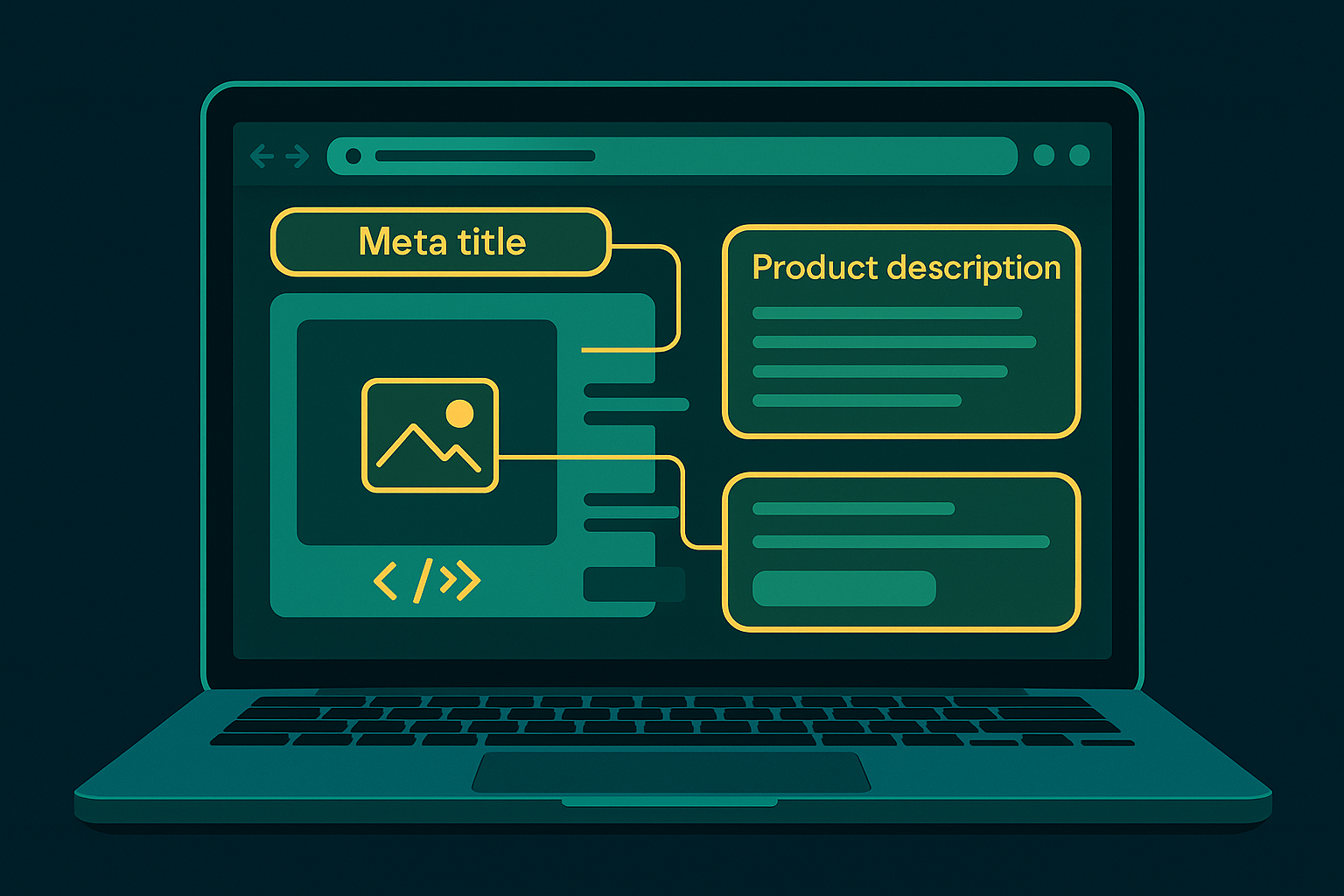
Your title tag should match what people type into search. Place the primary keyword first, add one or two qualifiers (brand, material, key feature), and keep it under 60 characters so it doesn't truncate in results.
Example:
- Weak: "The Summit – Premium Outdoor Gear"
- Strong: "Waterproof Hiking Boots for Men | The Summit"
Edit title tags in Shopify under Products → [Product Name] → Search engine listing preview. If your catalog is large, prioritize your top 20% of SKUs by revenue or margin first.
2. Write Unique, Keyword-Rich Product Descriptions (No Manufacturer Copy)#
If you're using the manufacturer's description, so are fifty other stores. Google calls that duplicate content and won't rank any of you well. Your product description should be original, include your target keyword naturally two to three times, and answer the questions buyers actually ask.
Structure descriptions like this:
- First 150 characters: What it is, who it's for, and the primary benefit. This shows up in meta descriptions if you haven't set a custom one.
- Middle section: Features, specs, materials—written for humans, not a spec sheet.
- Closing: Use case or differentiation. Why this product instead of the one ranked above you.
A Houston-based outdoor gear retailer we analyzed rewrote descriptions for 80 products and saw a 34% increase in impressions and a 12% lift in organic product page traffic within eight weeks. The work was manual, but the ROI justified it.
3. Optimize Images for Speed and Crawlability#
Product images sell, but unoptimized images kill page speed and hurt rankings. Google's Core Web Vitals treat Largest Contentful Paint (LCP) as a ranking signal, and a 4 MB product photo on mobile will fail that test every time.
Three image fixes that matter:
- Compress without quality loss: Use tools like TinyPNG or Shopify apps like TinyIMG to reduce file sizes to under 200 KB per image. WebP format is better than JPEG for both size and quality.
- Write descriptive alt text: Every image needs alt text that describes what's in the photo and includes your keyword when natural. "Men's waterproof hiking boots in brown leather on mountain trail" beats "IMG_7823.jpg" or blank alt text.
- Lazy-load images below the fold: Shopify themes built after 2021 usually handle this, but check your theme settings or use an app if yours doesn't. Images that aren't immediately visible shouldn't block initial render.
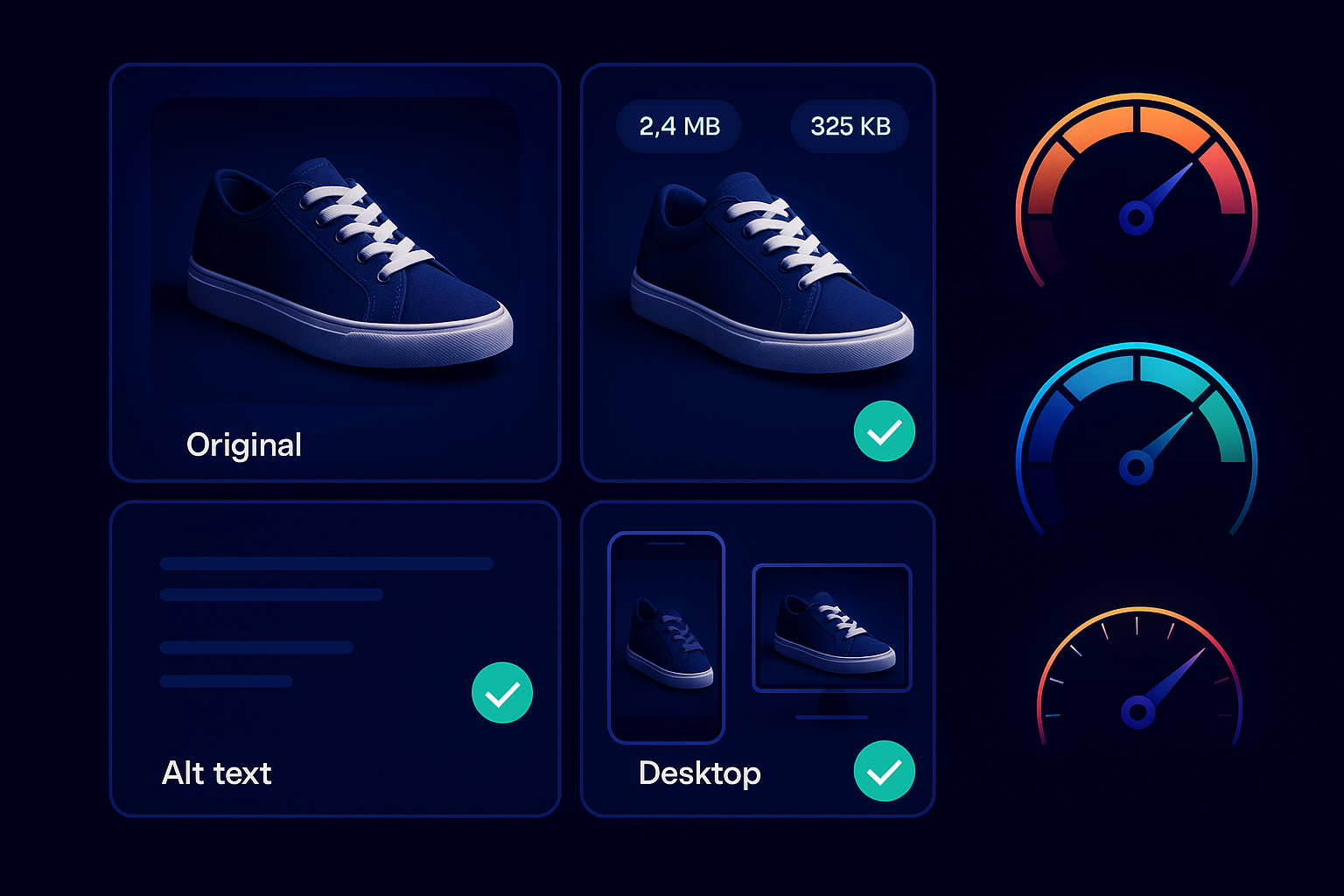
If you're running a catalog with hundreds of images, batch editing tools or a developer can automate compression and alt text templates (e.g., "[Product Name] – [Primary Keyword] – [Color/Variant]").
4. Add Product Schema Markup (It's Easier Than You Think)#
Schema markup is structured data that tells Google exactly what's on your page: product name, price, availability, ratings, SKU. When implemented correctly, you get rich results—those search listings with star ratings, price, and stock status—that earn higher click-through rates than plain blue links.
Shopify outputs basic Product schema automatically if your theme is up to date, but most themes miss fields like aggregateRating, review, and brand. You can add or edit schema in your theme's product.liquid or product.json file, or use an app like JSON-LD for SEO or Schema Plus.
Test your schema with Google's Rich Results Test tool. If you see warnings or missing fields, fix them. A complete Product schema with reviews and ratings can increase CTR by 20–30% compared to a result without them.

5. Fix URL Structure and Handle Variants Correctly#
Shopify's default URL structure puts /products/ in every product URL and adds ?variant= query strings when a customer selects size or color. Query strings don't hurt SEO on their own, but they do create confusion if Google indexes multiple URLs for the same product.
Best practices:
- Ensure all variant URLs canonicalize to the main product URL. Shopify does this by default, but custom themes sometimes break it.
- Use descriptive slugs:
/products/mens-waterproof-hiking-boots, not/products/product-12487. - If you've moved products or deleted old ones, set up 301 redirects in Online Store → Navigation → URL Redirects. Broken links hurt user experience and waste crawl budget.
"Every 404 on a product page that used to rank is revenue you're giving to a competitor. Redirect old URLs to the closest current product or a relevant collection page."
6. Internal Linking: Connect Products to Collections and Related Content#
Google crawls your site by following links. If a product page is orphaned—no links pointing to it from collections, the homepage, or related products—it's invisible. Shopify's automatic collection pages help, but manual internal links accelerate indexing and distribute authority.
Where to add links:
- Collection pages: Ensure every product appears in at least one collection. High-margin or new products should appear in multiple relevant collections.
- Related products: Use Shopify's related products feature or a manual "You may also like" section to link between complementary items.
- Blog content: If you publish buying guides, how-tos, or gift guides, link to relevant products with keyword-rich anchor text (e.g., "best waterproof hiking boots" linking to that product page).
If you're working with an agency on your store's SEO strategy, they'll map internal link opportunities across your catalog. If you're doing it yourself, start with your top 20 products and link them from at least three other pages each. For more on internal linking strategy, see how to choose an SEO agency in Houston for what to look for in a partner.
7. Improve Page Speed with App Audits and Lazy Loading#
Shopify apps add functionality, but every app adds JavaScript. A store with 30 apps might load 2 MB of scripts before a customer sees a product image. Google penalizes slow sites in rankings, and users bounce before the page finishes rendering.
Run your product pages through Google PageSpeed Insights or GTmetrix. Common culprits:
- Unused apps still loading scripts (uninstall doesn't always remove code from your theme)
- Unoptimized third-party scripts (live chat, reviews, analytics)
- Render-blocking CSS and JavaScript that delay First Contentful Paint
Fixes:
- Audit installed apps quarterly. If you're not actively using it, delete it and check your theme code to confirm its scripts are gone.
- Lazy-load everything below the fold: images, reviews, related products.
- Use a performance-focused theme (e.g., Dawn, Turbo, Impulse) or hire a developer to optimize your current one. Omojet's development team has optimized dozens of Shopify stores; a typical engagement cuts load time by 40–60%.
One client—an apparel brand in Houston—reduced product page load time from 6.2 seconds to 2.1 seconds by removing 12 unused apps and compressing images. Organic traffic to product pages increased 22% in the following quarter, and bounce rate dropped from 67% to 48%.
Measure What Matters: Track Rankings and Organic Revenue#
SEO changes take time. You won't see results overnight, but you should see movement in 4–8 weeks if the work is sound. Track:
- Keyword rankings for your target product terms (use Google Search Console or a rank tracker like Ahrefs or SEMrush)
- Organic traffic to product pages (Google Analytics: Acquisition → All Traffic → Source/Medium, filtered to product URLs)
- Conversion rate from organic (Sessions from organic search that result in a purchase)
If rankings improve but revenue doesn't, the problem isn't SEO—it's conversion rate optimization, pricing, or product-market fit. If rankings stall, revisit keyword selection and competitive analysis. For more advanced SEO support, explore our SEO services built for e-commerce and multi-location businesses.
What to Do Next#
Pick five products—your best sellers or highest-margin items—and run through this checklist. Rewrite titles and descriptions, compress images, confirm schema is present, and check internal links. Publish the changes, then revisit Search Console in 30 days to compare impressions and clicks.
SEO for Shopify isn't a one-time project. It's an operating rhythm: optimize new products as you add them, refresh old pages quarterly, and monitor what's ranking (and what's not). The stores that treat SEO as a growth channel instead of an afterthought are the ones that don't have to buy every click.
Frequently asked questions#
How long does it take for Shopify product page SEO changes to show results?
Most Shopify product page optimizations start showing measurable changes in Google Search Console within 4–8 weeks. You'll see impressions increase first, followed by clicks and rankings. High-competition keywords may take 3–6 months to move meaningfully. Track progress weekly in Search Console and monthly in your analytics to spot trends early.
Do I need to hire a developer to optimize Shopify product pages for SEO?
No, most product page SEO work—rewriting titles, descriptions, image alt text, and URL redirects—can be done directly in the Shopify admin without code. You may need a developer for advanced schema markup customization, theme performance optimization, or app cleanup if the code isn't removed cleanly. Start with what you can edit yourself and bring in a developer for technical speed or structured data issues.
Does Shopify automatically add schema markup to product pages?
Shopify includes basic Product schema (name, price, image, description) in most modern themes, but it often misses fields like aggregateRating, review, brand, and availability that unlock rich results in Google. Test your pages with Google's Rich Results Test. If key fields are missing, you can add them manually in your theme code or use a Shopify app like JSON-LD for SEO.