Next.js vs WordPress: Which Is Right for Your Business?#
When you're ready to build or rebuild your company's website, the platform decision matters more than the design. Choose wrong, and you'll fight slow page loads, poor search rankings, and expensive maintenance for years. Choose right, and your site becomes a revenue engine.
Two platforms dominate the conversation: WordPress, the familiar content management system that powers 40% of the web, and Next.js, the React-based framework built for performance and modern web applications. They solve different problems for different businesses.
This guide compares Next.js and WordPress across the factors that actually affect your bottom line—speed, SEO, scalability, cost, and ease of updates—so you can make the right call for your business.
What Is Next.js? (And When Businesses Choose It)#
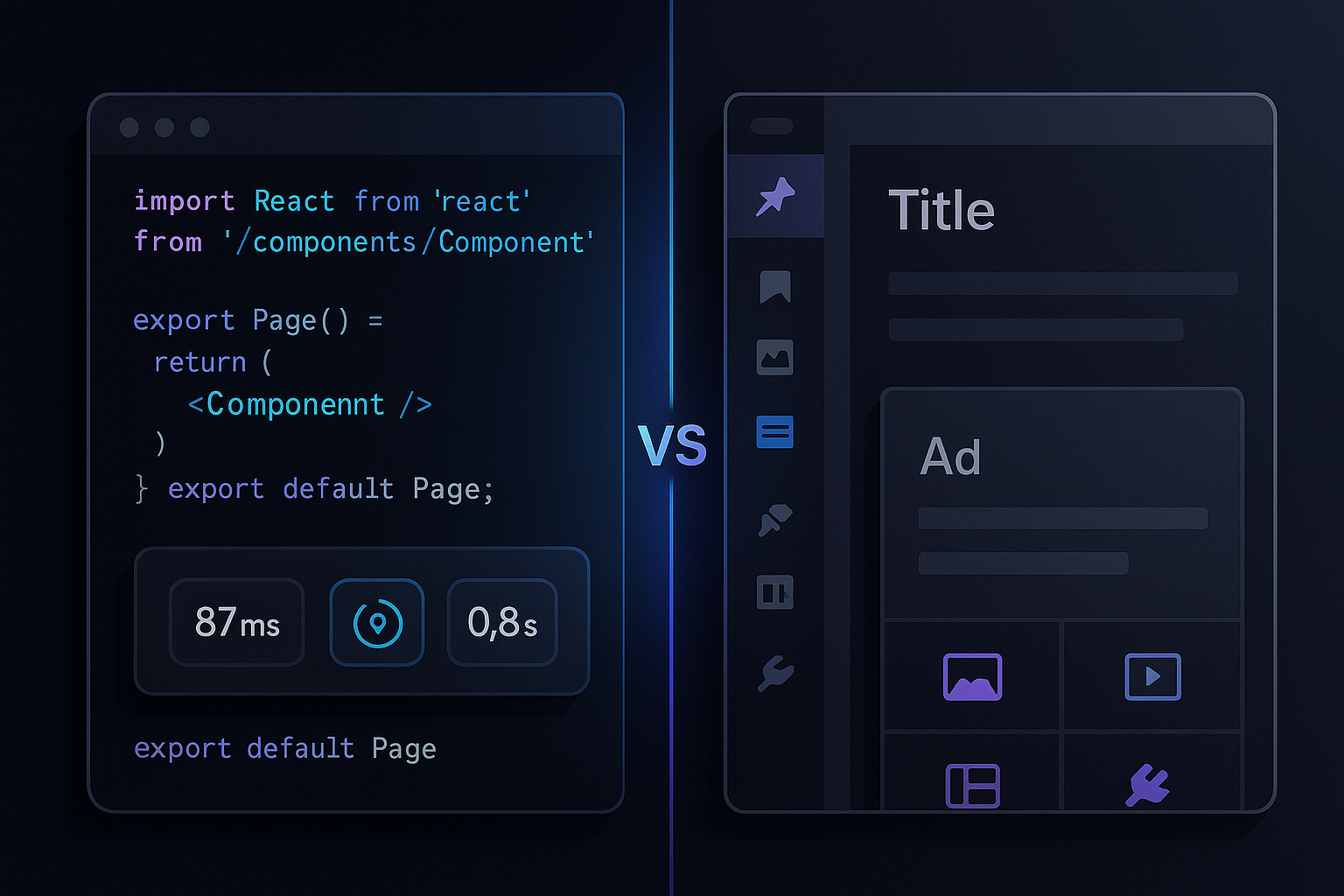
Next.js is a React framework developed by Vercel. It's designed for developers who need full control over performance, user experience, and integrations. Unlike WordPress, which is a content management system anyone can install and customize with plugins, Next.js is code-first: you build the site from scratch or use starter templates, and every feature is intentional.
Next.js supports both static site generation (SSG) and server-side rendering (SSR), which means pages can be pre-built for speed or rendered on-demand with live data. That flexibility makes it ideal for high-traffic sites, web applications, and e-commerce platforms where performance directly affects conversions.
Businesses choose Next.js when they need:
- Fast page loads and excellent Core Web Vitals scores for SEO and user experience
- Custom functionality that plugins can't deliver—complex workflows, integrations, dashboards
- Headless e-commerce (pairing a Next.js front end with Shopify, BigCommerce, or a custom back end)
- Scalability without the overhead of WordPress hosting, caching layers, and plugin conflicts
The trade-off: Next.js requires a developer. You can't log in and edit a blog post the way you would in WordPress—unless you integrate a headless CMS like Sanity, Contentful, or WordPress itself in headless mode.
What Is WordPress? (And Why It's Still Popular)#
WordPress started as a blogging platform in 2003 and evolved into the world's most popular website builder. It's open-source, free to download, and backed by tens of thousands of themes and plugins that let non-developers build complex sites without writing code.
WordPress is a traditional CMS: you log in to a dashboard, click "Add New Post," write your content in a visual editor, hit publish, and it's live. For content-heavy businesses—news sites, blogs, service companies with location pages, membership platforms—that editorial workflow is exactly what they need.
The plugin ecosystem is WordPress's greatest strength and its biggest risk. Need an SEO plugin? Yoast or Rank Math. Need e-commerce? WooCommerce. Need a booking system, membership site, or learning management system? There's a plugin. But every plugin is a dependency, a potential security hole, and a source of conflicts and performance drag if not carefully managed.
Businesses choose WordPress when they need:
- A site they or their team can update without a developer on retainer
- A proven solution for a specific use case (e.g., WooCommerce for small e-commerce, LearnDash for courses)
- Lower upfront development cost and faster time to launch
- Access to thousands of pre-built themes and plugins
The trade-off: WordPress can be slow without optimization. Out of the box, it generates pages dynamically on every request, which means every visitor triggers database queries and PHP rendering. Fast WordPress sites require caching plugins, a CDN, optimized hosting, image compression, and regular updates—all of which add complexity and cost over time.
Next.js vs WordPress: Side-by-Side Comparison#
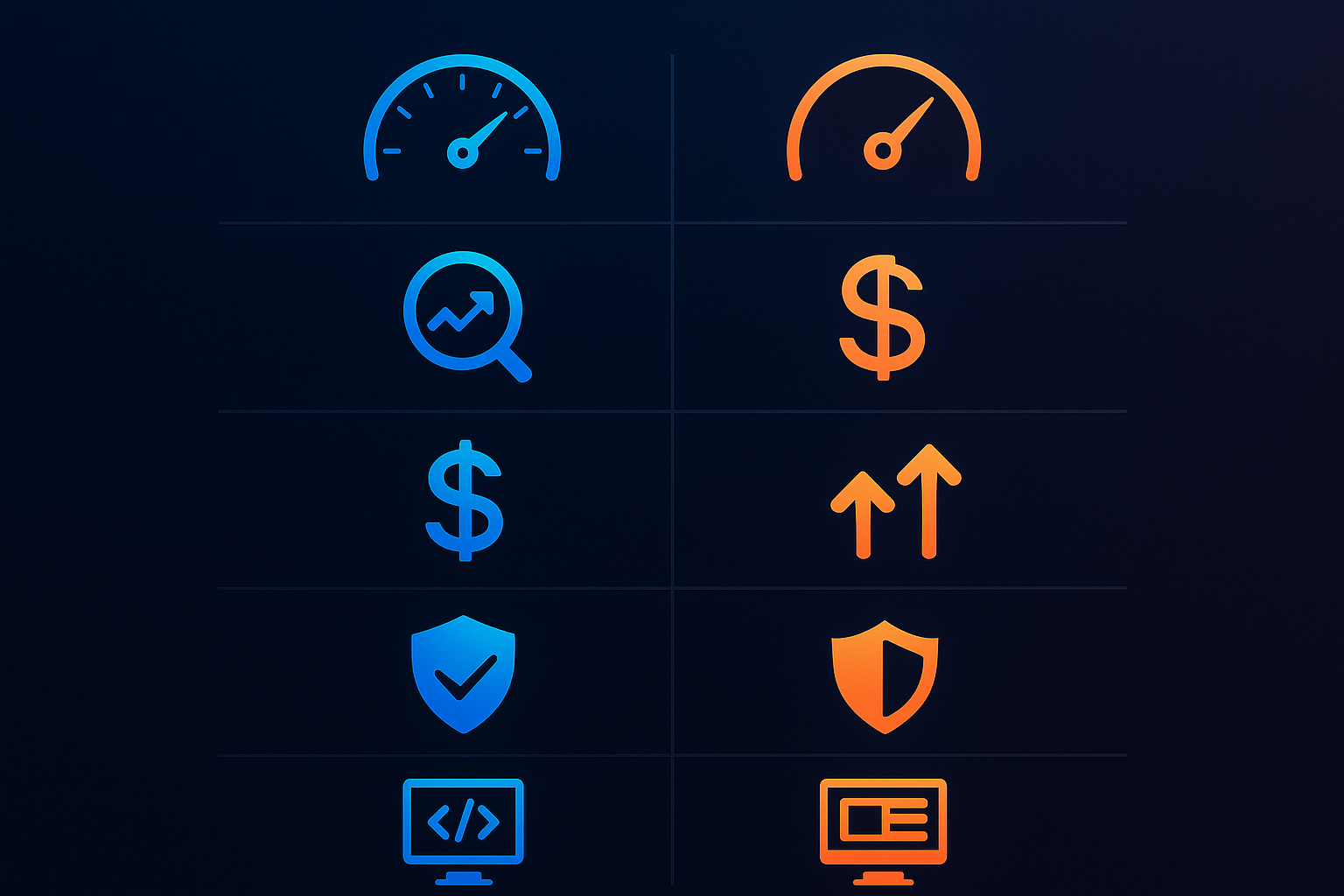
Here's how the two platforms stack up on the factors that matter most to business websites:
| Factor | Next.js | WordPress |
|---|---|---|
| Speed | Excellent out of the box; SSG pages load in under 1 second | Requires caching, CDN, and optimization; can be slow without tuning |
| SEO | Great Core Web Vitals, full control over markup and rendering; requires developer for JavaScript SEO best practices | Strong with plugins (Yoast, Rank Math); performance and bloat can hurt rankings |
| Scalability | Scales easily on modern hosting (Vercel, Netlify, AWS); static pages handle huge traffic spikes | Scales with managed hosting and caching, but database and plugin overhead add complexity |
| Development cost | Higher upfront; custom builds start at $8k–$20k+ | Lower upfront; theme-based sites start at $3k–$10k |
| Ongoing cost | Low hosting cost ($20–$100/mo); developer time for updates | Hosting, premium plugins, maintenance, security updates add up |
| Ease of updates | Requires developer unless paired with a headless CMS | Easy for non-technical users; point-and-click editing |
| Security | Fewer attack vectors; static sites have no database to hack | Requires vigilance—plugins, themes, and core updates must be maintained |
| Best use cases | E-commerce (headless Shopify/BigCommerce), SaaS, web apps, high-traffic content sites, custom UX | Blogs, news sites, service business brochure sites, membership/LMS platforms, small e-commerce |
When to Choose Next.js for Your Business Website#
Next.js makes sense when performance, custom functionality, or scale is non-negotiable. Here are the scenarios where it's the better choice:
E-commerce (Headless Shopify, BigCommerce, or Custom)#
Traditional e-commerce platforms like Shopify and BigCommerce limit how much you can customize the front-end experience. Headless commerce—using Shopify or BigCommerce as the back-end product and checkout engine, with a Next.js front end for the storefront—gives you full design and performance control while keeping the reliable commerce infrastructure.
This approach is common for brands that need unique shopping experiences, complex product filtering, membership tiers, or integration with CRMs and inventory systems. For more on optimizing e-commerce for search, see our guide to Shopify SEO.
SaaS Platforms and Web Applications#
If your "website" is actually a web app—user dashboards, account management, real-time data, integrations—Next.js is purpose-built for it. WordPress is a content management system, not an application framework. You can extend it with custom code, but you're working against the grain.
High-Traffic Sites That Need Speed and Reliability#
Static site generation in Next.js means pages are pre-built at deploy time and served instantly from a CDN. There's no database query, no PHP rendering, no server load per visit. Sites that get traffic spikes—product launches, media coverage, seasonal promotions—handle it without slowdowns or crashes.
Custom User Experiences and Integrations#
If your site needs to pull data from multiple sources (CRM, inventory system, third-party APIs), display it in real time, and provide a tailored experience per user or role, Next.js gives you the flexibility to build exactly that. WordPress can integrate via plugins or custom code, but every integration is a layer of complexity and a potential performance hit.
When to Choose WordPress#
WordPress remains the right answer for many businesses, especially those where content publishing and ease of editing outweigh the need for custom performance or functionality.
Content-Heavy Sites (Blogs, News, Service Pages)#
If your business model is built on publishing—blog posts, news articles, city or service landing pages—WordPress's editorial workflow is unmatched. Writers and editors can create, schedule, and manage content without touching code. For local service businesses managing dozens of location pages, that's a major efficiency gain.
Smaller Budget or Faster Launch Timeline#
A well-configured WordPress site on quality hosting can launch in weeks and cost a fraction of a custom Next.js build. If you're testing a business idea, launching a side project, or need a site live quickly, WordPress reduces both time and financial risk.
Established Plugin for a Specific Need#
Some business models have WordPress plugins built specifically for them: WooCommerce for small e-commerce, MemberPress or Restrict Content Pro for membership sites, LearnDash or LifterLMS for online courses, BuddyPress for communities. If an established plugin solves 80% of your need and it's actively maintained, WordPress is the pragmatic choice.
What About Hybrid or Headless WordPress?#
You don't have to choose one or the other. Headless WordPress combines the editorial simplicity of WordPress with the performance and flexibility of a modern front end like Next.js.
In this architecture, WordPress runs on the back end as a content management system. Editors write posts, upload images, and manage content in the familiar dashboard. But instead of WordPress generating the front-end HTML, it exposes the content via the WordPress REST API or GraphQL (using WPGraphQL). The Next.js front end fetches that content and renders it as fast, static or server-rendered pages.
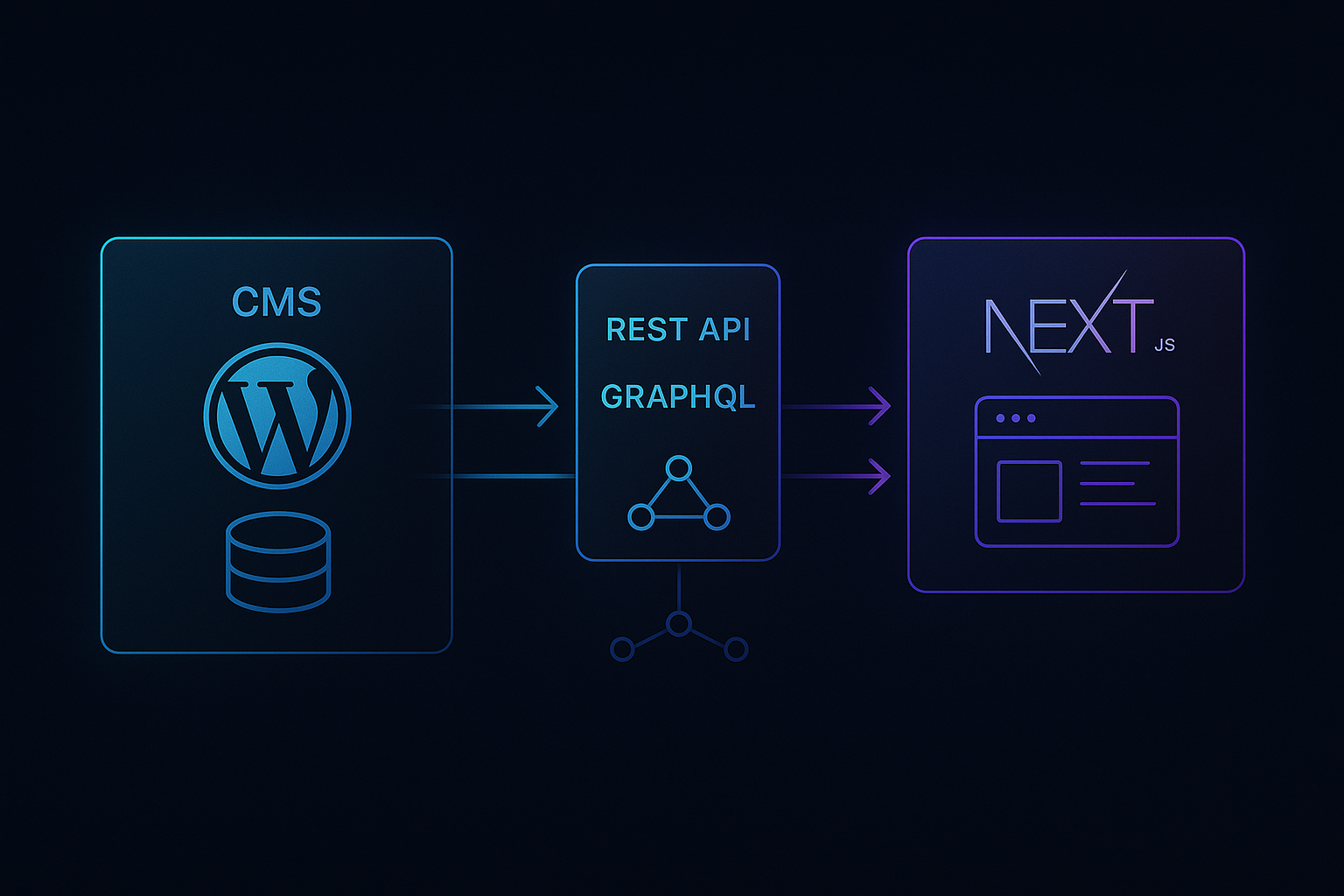
This setup gives you:
- The editorial workflow WordPress users love
- The performance and Core Web Vitals scores of a Next.js site
- Decoupled architecture—your front end and back end can scale and deploy independently
- Security benefits—the WordPress admin is hidden from the public web
The trade-off is complexity. You're now running two systems: a WordPress back end (which still needs hosting, security, and updates) and a Next.js front end (which needs a developer to build and maintain). This approach makes sense for content teams that need editorial control and businesses that also need performance and custom UX.
How to Decide: 5 Questions to Ask Your Developer#
Before you commit to a platform, ask these questions—either of your internal team or the agency you're evaluating:
- Who will update the site day-to-day, and how often? If it's non-technical staff making frequent edits, WordPress (or headless WordPress) makes sense. If updates are infrequent and handled by developers, Next.js is fine.
- What's more important: low upfront cost or low total cost of ownership? WordPress is cheaper to build; Next.js can be cheaper to run and maintain over time.
- Do we need custom functionality that doesn't exist as a plugin? Custom workflows, integrations, dashboards, and unique user experiences favor Next.js.
- How important is performance to our business model? If speed affects conversions, SEO, or user experience in a measurable way, Next.js delivers better results out of the box.
- What does our developer or agency actually have experience building and supporting? A great WordPress agency will build you a better WordPress site than a mediocre Next.js developer will build you a React app, and vice versa. Platform skill and support matter as much as the platform itself.
Conclusion: Let Omojet Build the Right Solution#
The right platform isn't Next.js or WordPress—it's the one that fits your business model, your team's workflow, and your growth plan. We build both at Omojet, and we recommend each for different clients depending on what they actually need.
"We don't sell platforms. We solve problems. Some problems need the editorial simplicity of WordPress; others need the performance and flexibility of Next.js. A few need both, in a headless setup. The recommendation comes after we understand how your site will be used, who will manage it, and what success looks like."
If you're evaluating platforms for a new site or a rebuild, talk to our team. We'll ask the right questions, show you examples of both approaches in action, and build the solution that actually fits. Explore our web development services in Houston or schedule a consultation to discuss your project.
Frequently asked questions#
Is Next.js better than WordPress for SEO?
Next.js offers faster page loads and better Core Web Vitals out of the box, which helps SEO. WordPress can match it with optimization, but requires plugins and hosting tuning. For technical SEO and performance, Next.js has the edge.
Can I update a Next.js website myself, or do I need a developer?
Most Next.js sites require a developer for content changes unless you integrate a headless CMS like Sanity, Contentful, or headless WordPress. WordPress is easier for non-technical users to edit directly.
Which is more expensive: building a website in Next.js or WordPress?
Next.js development costs more upfront because it's custom-built. WordPress can be cheaper initially, but ongoing plugin licenses, hosting, and maintenance can add up. Total cost of ownership depends on your site's complexity and update frequency.